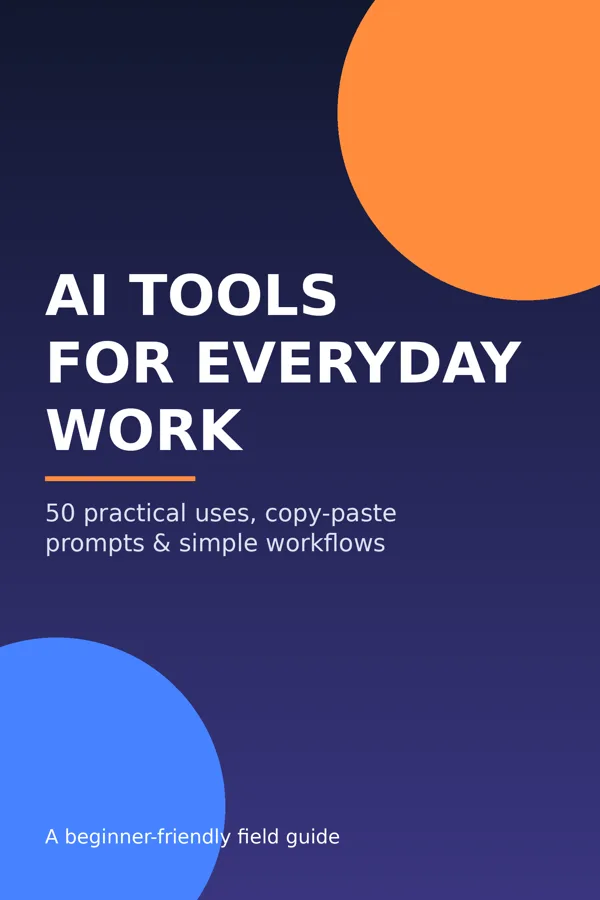
Cover of AI Tools for Everyday Work: 50 Practical Uses, a beginner-friendly field guide

Save time with AI this week: 50 copy-paste uses for everyday work

Copy-paste prompts, tool picks, and simple workflows for beginners

$9.00PDF, 14 pages · Instant download · Secure checkout by Stripe

What it covers

Curious about AI but not sure what it's actually good for? This practical PDF guide shows 50 real everyday uses (emails, summaries, research and learning, planning, spreadsheet formulas, slides, side-business tasks and life admin), each with a recommended tool type and a copy-paste prompt. Independent guide, not affiliated with any AI company.

New to AI? Start here with our free beginner's guide Not sure an answer is right? How to fact-check an AI answer in 2 minutes

What's inside

  • Plain-English map of AI tool types
  • The R-T-C-F prompt formula
  • 50 uses with copy-paste prompts
  • 5 ready-made workflows
  • Privacy & accuracy habits
  • 7-day starter plan

Try 3 free: paste these into ChatGPT or any AI assistant

Copy a prompt, paste it into ChatGPT, Gemini, Copilot or any free AI assistant, replace anything in [square brackets] with your own details, and hit send.

1. Draft a tricky email Tool: General assistant
Draft a polite but firm email to [person] about [issue]. I want [outcome]. Keep it under 150 words and offer two subject lines.
12. Summarize a long document Tool: NotebookLM / file upload
Summarize this document in 10 bullets, then list any numbers, dates, and decisions it contains.
27. Write formulas Tool: General assistant / Copilot or Gemini in your sheet
Write a [Excel/Google Sheets] formula that [goal]. My data is in columns [A-D], headers in row 1. Explain how it works.

That's 3 of 50. The full guide adds the rest, plus 5 ready-made workflows and a 7-day starter plan.

Frequently asked questions

Common questions before you buy.

Who is this guide for?

Beginners and busy professionals who want practical, everyday ways to use AI assistants without technical background.

What format is it?

A 14-page PDF you download right after payment. It works on any phone, tablet or computer.

Do I need paid AI tools?

No. Most uses work on the free tiers of common assistants. Plans and features change often, so check each provider's site.

Which tools does it cover?

Tool categories (chat assistants, research engines, document Q&A, office-suite assistants, meeting transcription, design and writing tools) with examples such as ChatGPT, Claude, Gemini, Microsoft Copilot, Grok, Perplexity, NotebookLM and Canva.

Is it affiliated with any AI company?

No. It is an independent guide.

How do I get my download?

After checkout you're taken to a page with a secure download link. The link expires, but revisiting your confirmation page generates a fresh one.

What if it's not for me? Can I get a refund?

Yes. If you're not happy within 7 days of purchase, email jimsqualitymeats@gmail.com and we'll issue a full refund through Stripe. After 7 days we don't offer refunds, but you'll keep access to the guide.

Note: once the guide has been downloaded, it's no longer eligible for a refund, since you keep the file.

Reviews

No reviews yet. Be the first.

Rating (required)

Reviews are checked before they appear.

Free guides

Get one practical AI tip a week